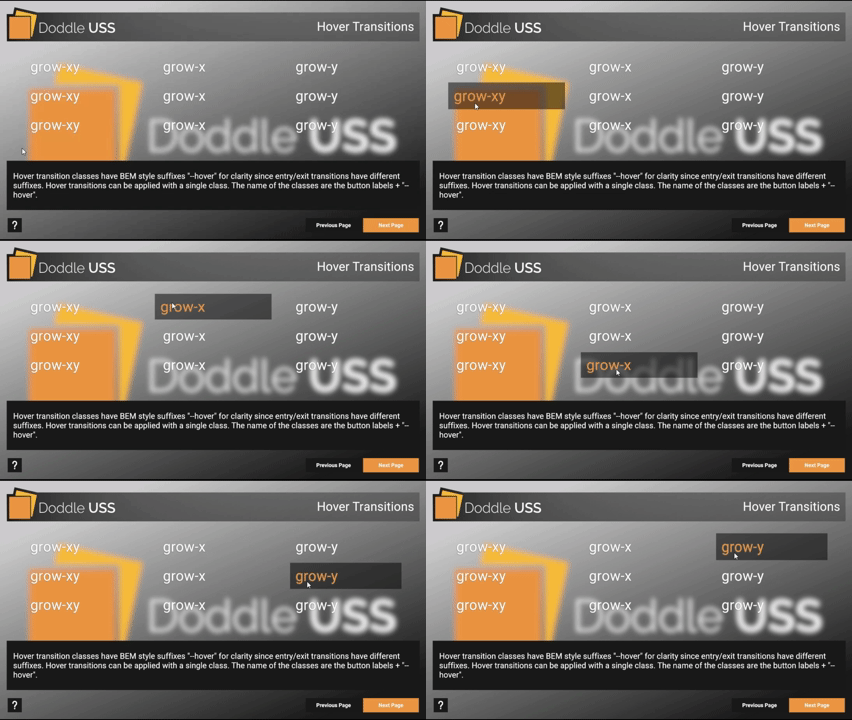
Simple animations can be created using the transition property, duration, timing function, and delay utility USS classes. For more complex animations, use the transition library classes or define your own. The transition library classes are intended to be used with the TransitionUtils and LoopTransitionUtils utility classes.
Classes for transitions are named using the format: [transition]--[state].
Where state includes:
req- for the base requirement class that contains transition properties, duration, and timing function fieldsrest- for the rest state of the element when it has completed it's entry animationanim- for the exit animation state of the element when it has completed it's exit animationhover- for the hover state of the elementleft- an alternative of the--animstate. Used for exit state in the left direction when exit animations have multiple optionsup- an alternative of the--animstate. Used for exit state in the up direction when exit animations have multiple optionsright- an alternative of the--animstate. Used for exit state in the right direction when exit animations have multiple optionsdown- an alternative of the--animstate. Used for exit state in the down direction when exit animations have multiple options

All doddle transition variables are contained within doddle-configuration.tss, and can be modified. For more information please see Customization.
| Class | Contents |
| |
| |
| |
| |
| |
| |
| |
| |
| |
| |
| |
| |
| |
| |
| |
| |
| |
| |
| |
| |
| |
| |
| |
| |
| |
| |
| |
| |
| |
| |
| |
| |
| |
| |
| |
| |
| |
| |
| |
| |
| |
| |
| |
| |
| |
| |
| |
| |
| |
| |
| |
| |
| |
| |
| |
| |
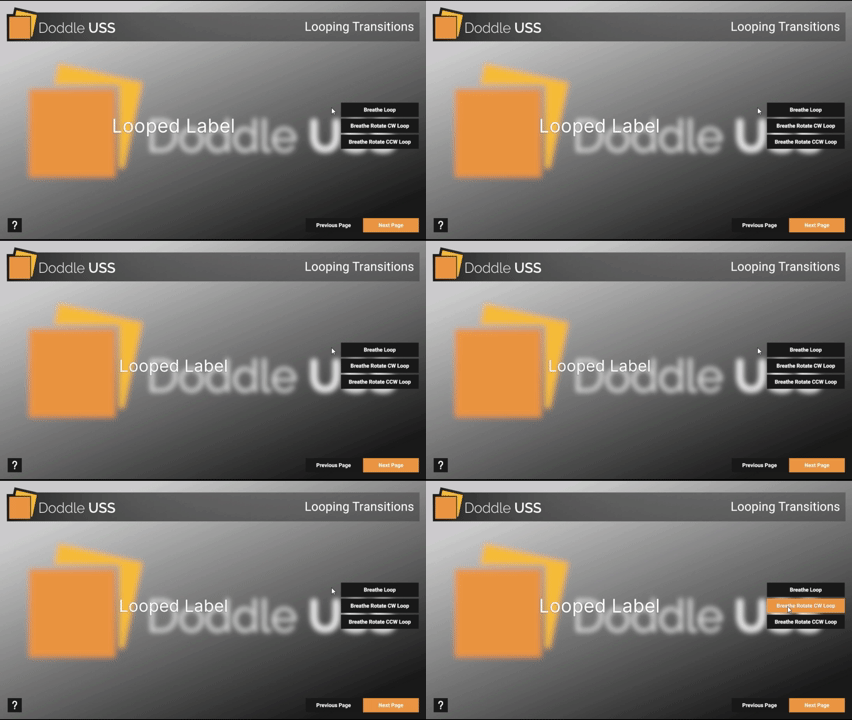
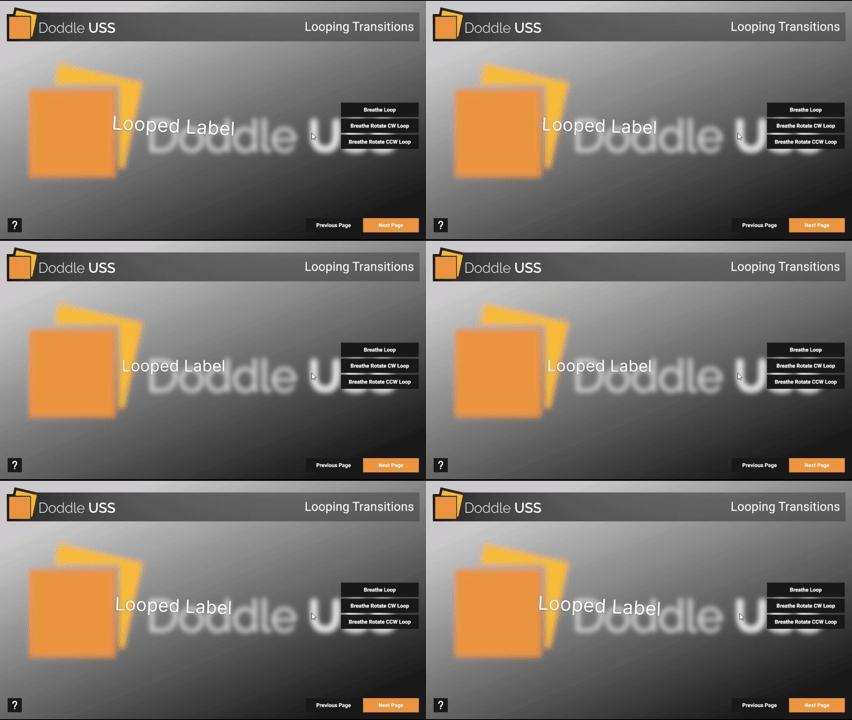
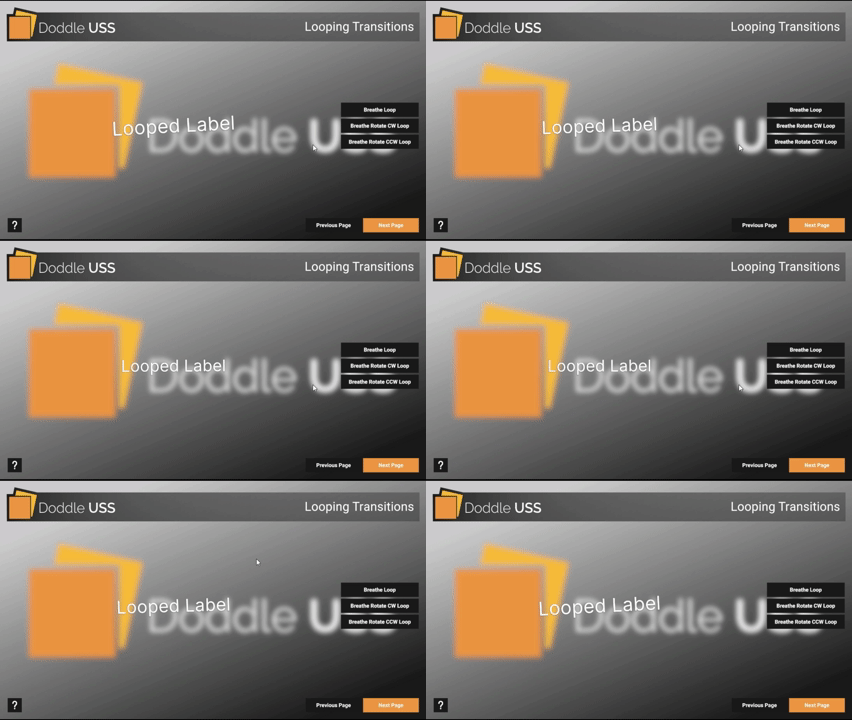


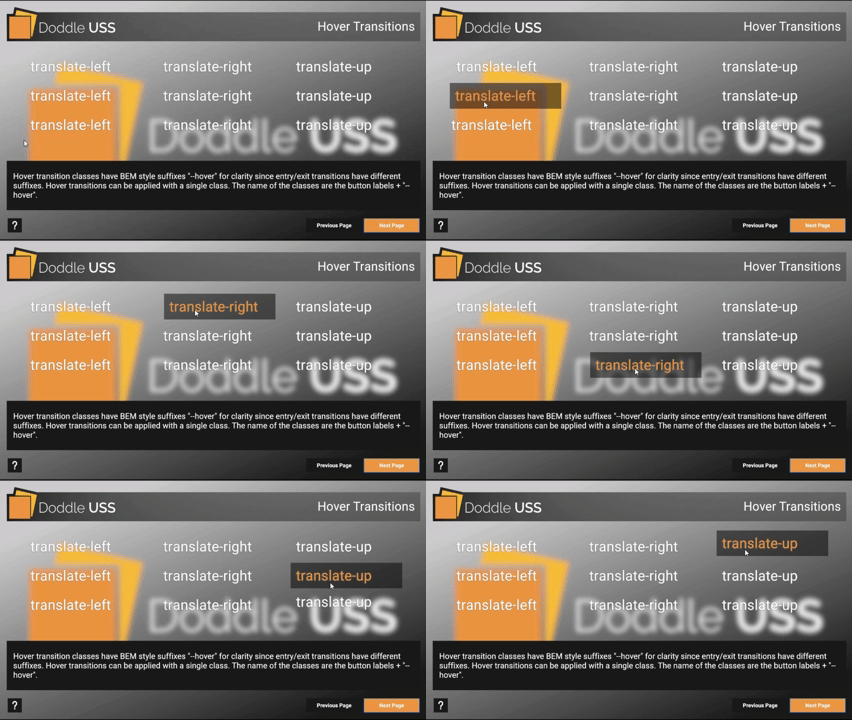
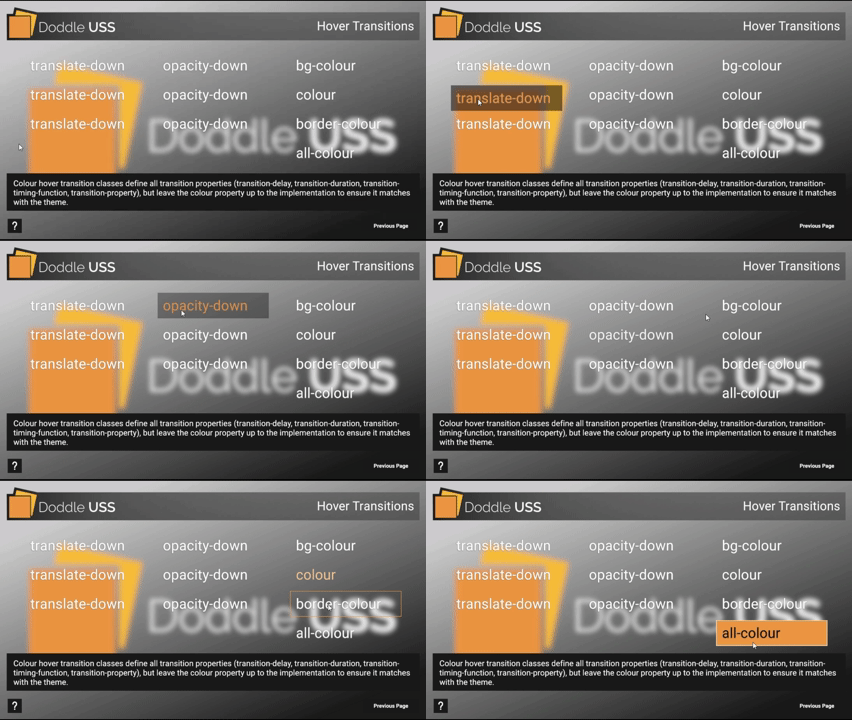
Doddle USS provides helper methods in TransitionUtils and LoopTransitionUtilsfor entry/exit animations only. Hover transitions are simple always-on USS classes. These helpers allow you to easily apply transitions at runtime, or pre-define multiple instances of static UI content from ScriptableObjets with simple population scripts.
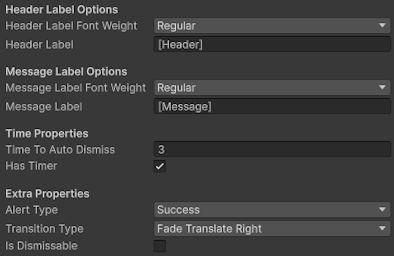
The TransitionUtils class has methods ApplyEnterTransition() and ApplyExitTransition()which expects a loop transition type enum below:
Fade = 0- for the.fade--req,.fade--rest, and.fade--animclassesFadeTranslateRight = 1- for the.fade-translate--req,.fade-translate--rest, and.fade-translate--rightclassesFadeTranslateLeft = 2- for the.fade-translate--req,.fade-translate--rest, and.fade-translate--leftclassesFadeTranslateDown = 3- for the.fade-translate--req,.fade-translate--rest, and.fade-translate--downclassesFadeTranslateUp = 4- for the.fade-translate--req,.fade-translate--rest, and.fade-translate--upclassesFadeTranslateBigRight = 5- for the.fade-translate-big--req,.fade-translate-big--rest, and.fade-translate-big--rightclassesFadeTranslateBigLeft = 6- for the.fade-translate-big--req,.fade-translate-big--rest, and.fade-translate-big--leftclassesFadeTranslateBigDown = 7- for the.fade-translate-big--req,.fade-translate-big--rest, and.fade-translate-big--downclassesFadeTranslateBigUp = 8- for the.fade-translate-big--req,.fade-translate-big--rest, and.fade-translate-big--upclassesFadeTranslateScaleRight = 9- for the.fade-scale-translate--req,.fade-scale-translate--rest, and.fade-scale-translate--rightclassesFadeTranslateScaleLeft = 10- for the.fade-scale-translate--req,.fade-scale-translate--rest, and.fade-scale-translate--leftclassesFadeTranslateScaleDown = 11- for the.fade-scale-translate--req,.fade-scale-translate--rest, and.fade-scale-translate--downclassesFadeTranslateScaleUp = 12- for the.fade-scale-translate--req,.fade-scale-translate--rest, and.fade-scale-translate--upclasses
The LoopTransitionUtils class has method ApplyLoopTransition()which expects a loop transition type enum below:
Breathe = 0- for the.breathe--req,.breathe--rest, and.breathe--animclassesBreatheRotateCW = 1- for the.breathe-rotate-cw--req,.breathe-rotate-cw--rest, and.breathe-rotate-cw--animclassesBreatheRotateCCW = 2- for the.breathe-rotate-ccw--req,.breathe-rotate-ccw--rest, and.breathe-rotate-ccw--animclasses

C#
On this page